Looka: review, pricing and alternatives
What is Looka? (And What was Logojoy?)
When you're starting a new venture, one of the first things you need is a strong visual identity. That's where Looka comes in. At its core, Looka is an AI-powered platform designed to help entrepreneurs, startups, and small businesses create professional-looking brand assets, most notably logos, without needing a design degree or a hefty budget. It's essentially your personal designer, leveraging artificial intelligence to generate a wide array of design options based on your preferences.
My understanding is that Looka isn't just about spitting out a logo; it aims to provide a comprehensive brand identity. This means it can help you with everything from your primary logo to social media kits, business card designs, and even basic website layouts, all harmonized with your chosen aesthetic. It's a convenient, low-cost way to get a complete visual package for your brand, helping you establish a consistent presence across various touchpoints.
You might have also heard the name Logojoy floating around, and there's a good reason for that. Looka actually started its journey as Logojoy. It was rebranded to Looka to reflect its expanded offerings beyond just logo design. This evolution from a pure logo maker to a broader brand identity platform shows its ambition to serve more comprehensive branding needs, making it a more versatile tool for anyone looking to build a brand from the ground up.
Key Features and Functionality
What I find most impressive about Looka is its blend of AI-driven efficiency with a surprising degree of customization. The main attraction, of course, is its AI-driven logo generation. You start by telling the system a bit about your brand, and it quickly presents you with dozens, if not hundreds, of unique logo concepts. This initial burst of creativity is where the AI truly shines, offering a variety of styles that you might not have even considered on your own.
Beyond the initial generation, the customization options are where you really get to make the design your own. Once you select a logo you like, Looka offers a robust editor. I've found it provides a great selection of fonts, allowing you to choose the perfect typography that reflects your brand's personality. You can also play around with different layouts, experiment with color palettes, and swap out icons or symbols until you achieve exactly the look you're going for. This iterative process of AI generation followed by user-driven refinement is, in my opinion, one of Looka's strongest points.
But Looka goes far beyond just logos. It truly aims to be a comprehensive brand identity solution. Once you've finalized your logo, you can leverage it to create what they call a 'Brand Kit.' This kit includes everything from social media profiles, brand guidelines, letterheads, and business card designs—all pre-designed to match your new logo. For those who need an online presence quickly, Looka also offers the ability to create basic websites, ensuring a consistent brand experience across all your digital assets. It's a one-stop shop for getting your brand off the ground visually.
How Looka Works: Getting Started with Your Brand
Getting started with Looka is remarkably straightforward, which is one of its biggest selling points for non-designers like many of us. The process begins with you inputting your brand preferences. You'll typically start by entering your company name and industry. Then, Looka guides you through a series of choices, asking you to pick five or more logo styles you like, select preferred color palettes, and choose symbols or icons that resonate with your brand's message. It's a fun, interactive way to communicate your vision to the AI without needing to articulate complex design principles.
Once you've provided these initial inputs, Looka's AI gets to work, and within moments, you're presented with a diverse array of logo options. I've always been impressed by the sheer volume and variety of designs it generates. It's not just variations on a single theme; you'll see a wide spectrum of layouts, font pairings, and graphic elements, giving you a comprehensive starting point. This quick generation of multiple options is a huge time-saver and helps spark ideas you might not have had otherwise.
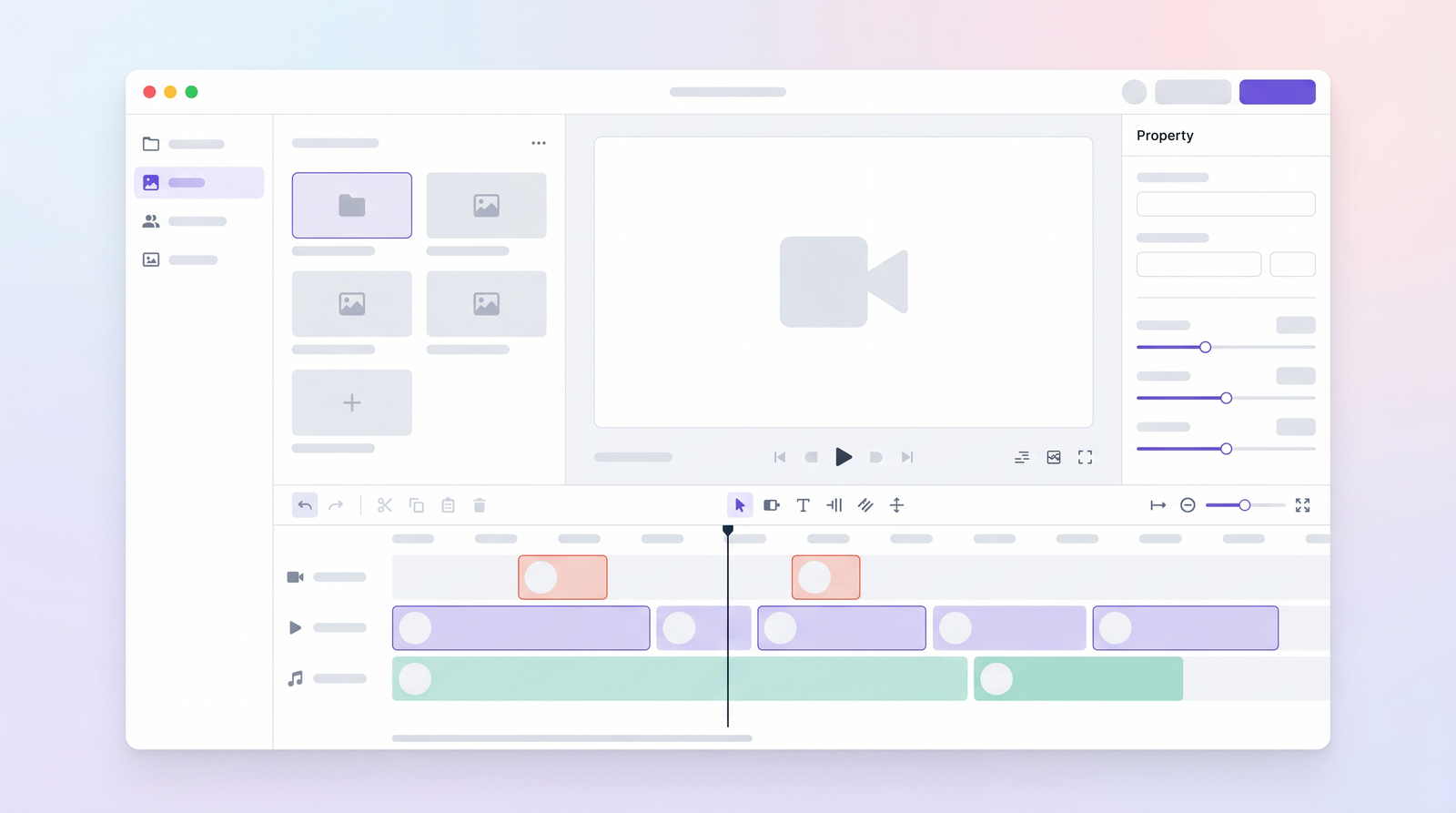
After you've browsed through the initial suggestions and picked a few favorites, the real fun of refinement begins. Looka's editor allows for extensive customization. You can adjust the font, change colors, resize elements, move icons, and experiment with different layouts. It's an intuitive drag-and-drop interface, making it easy to tweak and perfect your chosen design without any prior design software experience. You can experiment with elements as much as you want until you're completely satisfied, ensuring the final logo truly reflects your brand's unique identity.
Looka Pricing: Plans, Costs, and Value
Understanding Looka's pricing structure is crucial for deciding if it's the right fit for your budget and needs. What you need to know upfront is that while you can design and experiment with logos for free, you'll need to pay to download and use any of the assets. This is a common model for many online design tools, and it allows you to play around without commitment.
Looka offers four distinct pricing tiers, catering to different levels of branding needs. From my perspective, they aim to provide a low-cost and convenient way to get professional assets, especially when compared to hiring a traditional graphic designer, which can be significantly more expensive. However, it's also worth noting that there are even cheaper, albeit often less comprehensive, options out there if your budget is extremely tight.
The value you get from each plan really depends on what you're looking for. Do you just need a basic logo file, or are you looking for a full brand identity package with a website? Here’s a breakdown of what Looka offers:
| Plan | Price | Best for |
|---|---|---|
| Basic Logo Package | $20 (one-time) | Design inspiration; single, low-resolution PNG logo file. |
| Premium Logo Package | $65 (one-time) | Quick and affordable logo; high-resolution files (vector, PNG, JPG), full ownership rights. |
| Brand Kit Subscription | $96/year | Comprehensive branding; includes Premium Logo, brand guidelines, social media kit, business card designs, letterheads. |
| Brand Kit and Web Subscription | $129/year | Complete brand presence; includes Brand Kit features plus a basic website with hosting. |
The one-time payment options are great for those who just need a logo and nothing else, giving you full ownership. The subscription plans, while an annual commitment, provide a much more extensive suite of brand assets and, in the case of the top tier, a simple website, which can be incredibly valuable for new businesses looking to establish a complete online and offline presence efficiently.
Pros and Cons of Using Looka
My experience with Looka, and what I've gathered from countless other users, points to a clear set of advantages and a few recurring frustrations. On the positive side, the ease of use is consistently praised. I found the interface incredibly intuitive, allowing me to quickly generate logo options without any prior design experience. This speed and variety are huge benefits, as you can see many different concepts in minutes, rather than waiting days for a designer to present initial drafts. The selection of fonts, layouts, and icons is also quite good, providing ample choices to refine a design.
Another significant pro is its affordability, especially for the Premium Logo Package or even the annual Brand Kit subscriptions, when you compare them to the cost of hiring a professional graphic designer for a full branding project. Looka offers a low-cost, convenient way to get professional-looking assets, making it accessible for entrepreneurs and small businesses with limited budgets. It truly simplifies the initial stages of building a visual brand identity, providing everything from logos to social post templates.
However, it's not without its drawbacks. One of the most common complaints, and something I've noticed myself, is the limitation on manual customization. While the editor is great for tweaking, it doesn't offer the granular control that professional design software does. You're working within the AI's framework, which means if you have a very specific, unique vision that falls outside its generated styles, you might hit a wall. For example, some users have noted that certain features, like uploading your own logo or highly specific graphic manipulations, aren't available even with subscriptions.
Another point that comes up is the perceived cost. While I view it as affordable compared to a designer, some still find the service pricey, particularly the subscription models if they only need a logo. There are indeed cheaper options out there, though they might not offer the same level of AI-driven variety or comprehensive brand kits. So, while it's a good service that produces nice ideas, the price can sometimes be a point of contention depending on individual budget expectations and specific feature requirements.
User Experience and Ease of Use
If there's one area where Looka consistently shines, it's in its user experience and overall ease of use. From the moment you land on the site, the process is designed to be as intuitive and friction-free as possible. You don't need any design background, no technical jargon to decipher, just a basic idea of what you want for your brand. This accessibility is a huge win for its target audience of entrepreneurs and small business owners who are often juggling many hats.
What I've personally found to be a major advantage is how quickly Looka generates design options. You input your preferences, and within seconds, you're presented with a wide array of logos. This immediate feedback loop is incredibly satisfying and makes the design process feel dynamic and engaging. It's not like waiting for a designer; the AI is your instant creative partner. Customers frequently praise this ability to quickly generate multiple logo options, highlighting the platform's efficiency.
The editing interface is another strong point. Once you select a logo you like, refining it is straightforward. The tools are clearly labeled, and adjustments to fonts, colors, and layouts can be made with simple clicks or drags. It truly is a user-friendly interface that fosters a positive and even fun experience. Many reviews echo this sentiment, with users describing the tools as intuitive and the overall process as enjoyable. This focus on a positive and easy-to-navigate user journey is undoubtedly a key factor in Looka's popularity.
Who is Looka Best For? Use Cases and Ideal Users
Based on my time with Looka and the feedback I've seen, it's clear that this platform isn't for everyone, but it's absolutely perfect for a specific demographic. The ideal user for Looka is typically an entrepreneur, a startup founder, or a small business owner who needs a professional brand identity without the time, budget, or design skills required to work with a traditional agency or freelance designer. If you're launching a new business and need a logo and basic branding assets quickly and affordably, Looka is definitely worth considering.
Think of use cases like a new online store, a local consulting business, a side hustle, or a new blog. These ventures often need a polished, professional look to establish credibility, but they don't have thousands of dollars to spend on branding from the outset. Looka provides that essential foundation, giving you everything you need to launch your brand with a cohesive visual identity. It's about getting a great starting point, not necessarily a bespoke, one-of-a-kind piece of art.
Moreover, Looka is excellent for those who appreciate variety and efficiency. If you want to explore many different logo ideas before settling on one, and you want to do it in a matter of minutes or hours, rather than days or weeks, then Looka fits the bill. It's for users who value convenience and a streamlined process, enabling them to focus on other critical aspects of their business while still ensuring their brand looks sharp and consistent.
Looka Alternatives and How They Compare
The market for AI-powered design tools has grown significantly, and Looka certainly isn't the only player in the game. When you're considering Looka, it's natural to wonder how it stacks up against alternatives. There are other AI logo makers and brand identity platforms out there, some offering even cheaper entry points, while others might focus on different aspects of design or provide more advanced features.
What often sets Looka apart, in my opinion, is its balance of AI-driven generation, customization options, and the comprehensiveness of its Brand Kit offerings. While a simple Google search will reveal many free or very low-cost logo generators, they often lack the sophisticated AI that Looka employs to create diverse initial concepts, or they might offer very limited customization once a design is chosen. Looka’s ability to generate a wide variety of initial designs and then allow for significant tweaking of fonts, layouts, and icons is a distinct advantage.
However, if your primary concern is the absolute lowest price point, you might find alternatives that are technically cheaper. These often come with trade-offs, such as less professional-looking designs, fewer file types, or a less intuitive editing experience. When evaluating options, it's important to consider not just the price, but the quality of the output, the ease of use, and the range of assets provided. While Looka offers great value, it's true that the AI design landscape is vast, and if you're exploring all your options, you can see how it stacks up against alternatives on Top10k. Ultimately, Looka positions itself as a robust, user-friendly solution that prioritizes convenience and a broad range of brand assets, making it a strong contender in the crowded AI design space.
Is Looka Worth It? Final Verdict and Recommendation
After spending time exploring Looka's capabilities, weighing its pros and cons, and considering its target audience, I can confidently say that whether Looka is 'worth it' largely depends on your specific business needs and budget considerations. For many, especially new entrepreneurs, startups, and small businesses, Looka represents excellent value. If you need a professional, polished logo and a consistent brand identity quickly and affordably, without the need for deep manual design control, then Looka is an outstanding choice. It truly delivers on its promise of making brand identity accessible.
The platform's ease of use, the speed of logo generation, and the comprehensive nature of its Brand Kits are significant strengths. You get a lot of bang for your buck, especially with the Premium Logo Package or the Brand Kit subscriptions, which provide a full suite of assets that would cost far more if sourced from a traditional designer. It's an intuitive tool that removes the intimidation factor from design, allowing you to focus on building your business.
However, if you have a very unique, highly specific design vision that requires intricate, pixel-perfect manual control, or if your brand demands an ultra-bespoke, artistic logo that pushes creative boundaries, Looka might feel a bit limiting. While its customization is good, it's not a substitute for a human designer with years of experience and access to advanced software. Similarly, if your budget is absolutely minimal, even the $20 Basic Logo Package might seem high when free, albeit less robust, alternatives exist.
My final recommendation is this: if you're looking for a fast, affordable, and effective way to establish a strong, professional visual brand identity for your new venture, Looka is absolutely worth it. It's a powerful tool for getting your brand off the ground with confidence and consistency. Just be clear about your expectations regarding manual control, and you'll likely find Looka to be an invaluable asset.
Full profile and live ranking: https://top10k.com/ai/looka
Published by

Meet Top10k Tools — a browser-based toolkit packed with a wide range of free utilities that help boost productivity.
The platform covers SEO, file conversion, calculators, developer utilities, image editing, and productivity. Everything works directly online, with no sign-up required to start.
The long-term vision is building 10,000 free mini tools that solve real problems.
From freelancers to small teams, there's likely a tool that fits. Give it a try.
Frequently asked questions
What are Looka's pricing plans?
Looka offers four main pricing tiers: the Basic Logo Package for $20 (one-time), the Premium Logo Package for $65 (one-time), the Brand Kit Subscription for $96/year, and the Brand Kit and Web Subscription for $129/year. Each plan offers different levels of included files and features, from a single PNG logo to comprehensive brand assets and a basic website.
Can I use Looka for free?
Yes, you can use Looka to design and experiment with logos for free. You can generate numerous logo options, customize them, and refine them without any cost. However, to download and use your chosen logo or brand assets, you will need to purchase one of Looka's paid packages.
Are there alternatives to Looka?
Yes, the market for AI-powered logo makers and brand identity tools is competitive. While Looka offers a strong balance of AI generation, customization, and comprehensive brand kits, there are other options available, some of which might be cheaper or offer different feature sets. It's advisable to compare platforms based on your specific needs and budget.
Is Looka easy to use for beginners?
Absolutely. Looka is consistently praised for its user-friendly and intuitive interface. It's designed specifically for non-designers, guiding you through the process of selecting preferences, generating designs, and customizing them with simple tools. No prior design experience is needed to create a professional-looking brand identity.
Is Looka worth the cost?
For entrepreneurs, startups, and small businesses needing a professional brand identity quickly and affordably, Looka is generally considered worth the cost. It provides significant value compared to hiring a traditional designer, offering a wide range of assets and a streamlined process. However, if you require highly specific, intricate manual design control, it might feel limited.
Do I own my logo after purchasing from Looka?
Yes, with the Premium Logo Package and any of the Brand Kit subscriptions, you receive full ownership rights to your logo. This means you can use it for commercial purposes, register it, and have complete control over its usage without any ongoing royalties or licensing fees to Looka.
How much can I customize my logo on Looka?
Looka offers a good degree of customization. After the AI generates initial concepts, you can use the editor to change fonts, colors, layouts, symbols, and adjust sizes. While it provides substantial flexibility for refining designs, it operates within its AI-generated framework and doesn't offer the granular, pixel-level control of advanced professional design software.
What is included in a Looka Brand Kit?
A Looka Brand Kit is a comprehensive package that typically includes your finalized logo (in various high-resolution formats), brand guidelines, social media profile images and templates, business card designs, letterhead designs, and email signatures. The Brand Kit and Web Subscription adds a basic website with hosting to this package.